
AI Magic
Automatic metadata extraction: titles, categories, keywords and expected actions from every upload.
 BANI ARCHIVE MANAGER
Upload documents and AI fills in titles, descriptions, categories, keywords and expected actions. Find any file by keyword, date or plain-language question, preview it without downloading, and chat with one document or the whole archive.
All prices in USD, billed monthly. Change or cancel anytime.
Features
Built for legal, accounting, real estate, healthcare, consulting, insurance and operations teams.
Automatic metadata extraction: titles, categories, keywords and expected actions from every upload.
Find documents instantly with relevance scoring, filters and multilingual metadata.
Ask about the whole archive, one document, or compare several. Scanned PDFs are supported.
Shared team archives with user roles and permissions.
Interface in 12 languages, including right-to-left languages such as Arabic, Hebrew and Urdu.
User roles, two-factor authentication, secure storage and read-only integration tokens.
AI and MCP
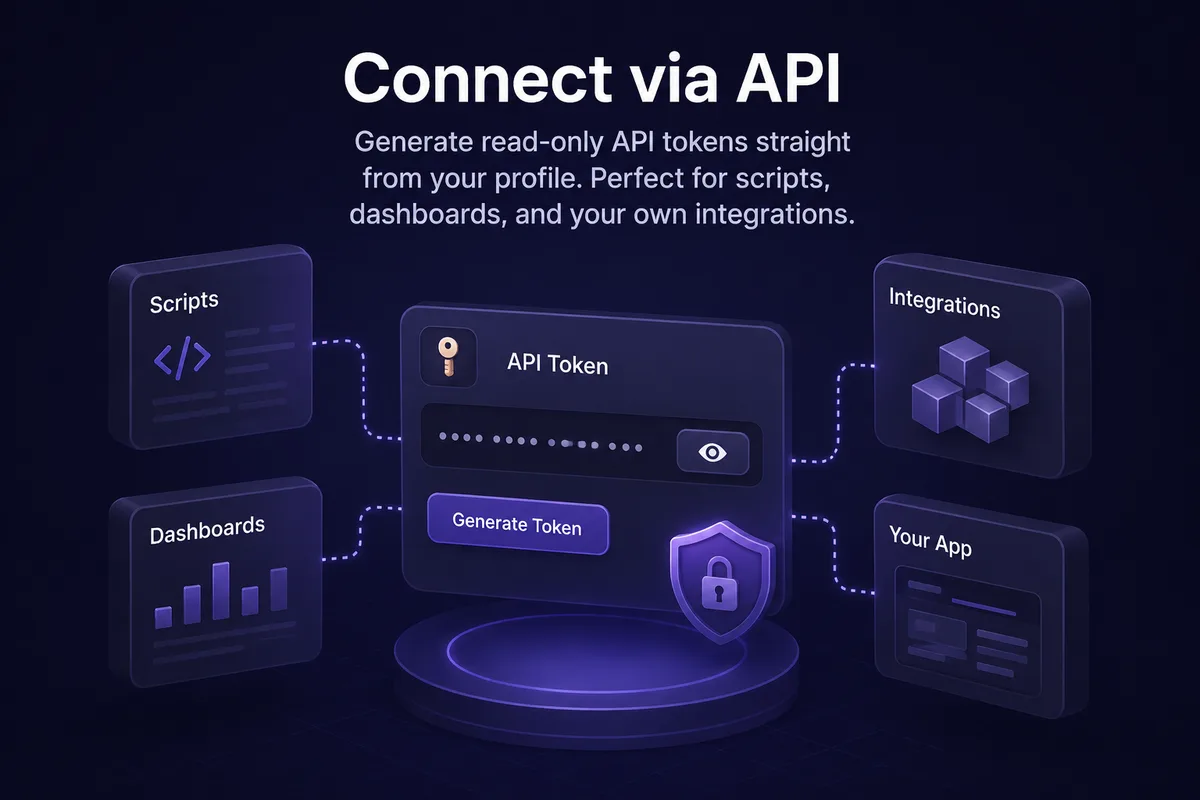
Query archive records over a REST API and connect your files to AI assistants through the BANI Archive Manager MCP server. Read-only is the default.
Works with
MCP (Model Context Protocol) is the open standard AI assistants use to work with other apps, with the permissions you choose.
Pricing
All prices in USD, billed monthly. Change or cancel anytime.
$0/month
1 user, up to 25 folders, 20 AI credits per month
$9.99/month
1 user, unlimited folders, 500 AI credits per month
$29/month
Up to 5 users and 3 team workspaces
$59/month
Up to 15 users, 10 team workspaces, priority support
$3.75/user/mo
Per user, from 16 users
Prices and plans as published on archives-app.com; the product site is always current.
FAQ
BANI Archive Manager is a web-based AI document management app for storing, previewing, searching and organising business documents, with chat and MCP access for AI assistants.
Yes. The Free plan is $0 for 1 user with up to 25 folders and 20 AI credits per month.
Yes. Copy the MCP address from Settings → Integrations and add it as a custom connector in ChatGPT or Claude, then approve access. Read-only is selected by default.
Need it customised?
We build the same capabilities into your tools, connected to your data and the AI assistants your team uses, in a fixed-price 2–4 week pilot.
Free 30-minute call · Fixed price before any work starts · No lock-in